 4.8/5
4.8/5






Smart Wallet 3.0 setup
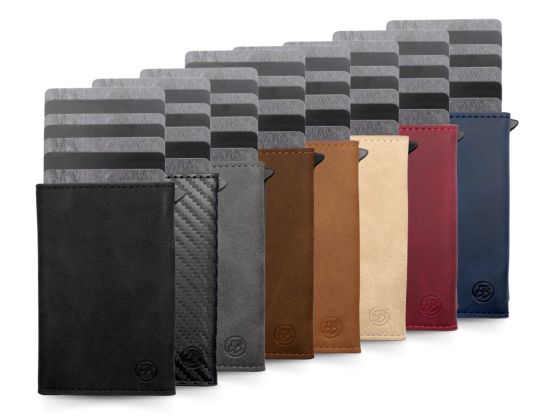
Welcome and thank you for your order of the Smart Wallet 3.0!
To guarantee you a seamless experience and make setting up your new wallet as easy as possible, please follow these optimized steps.
Smart Wallet 3.0
CO-FOUNDER Marvin EXPLAINS IN 44 SEC.
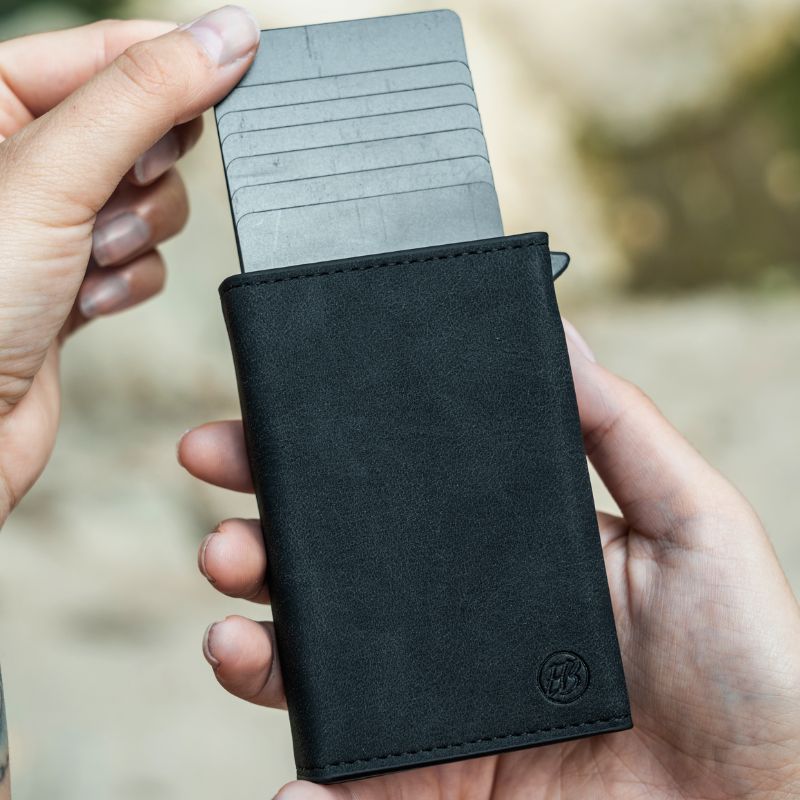
1. Cardsimple setup
Steps:
Preparation:
Start with the quick access switch. Press the switch with your right thumb to access the CardEasy to open.
Inserting the Cardn:
Carefully add 6 standard-size credits with your left hand.Cardn simultaneously into the wallet. CardFor numbers with raised numerals, you should use 5 to 6. CardUse n and try out the number that works best. It's important to use 6. Cardto use n, since with a smaller number the Cardcan get stuck.
Place the CardPut the ones you use most often at the front. Sort the rest. Cardn descending by frequency, so that the least frequently used Card This comes last. This makes access to your Cardfaster and easier.
Important information about the switch function:
It's normal for the switch to be a little stiff at first – the material will adjust to use over time. If the switch unexpectedly sticks, give the wallet a good shake to loosen it. CardGet it into the correct position and try again. If the problem persists, please remove all Cardand reinsert them. Make sure to keep the wallet upright while pressing the switch. The intensity with which the CardYou can control how many particles are ejected by the strength of your pressure.
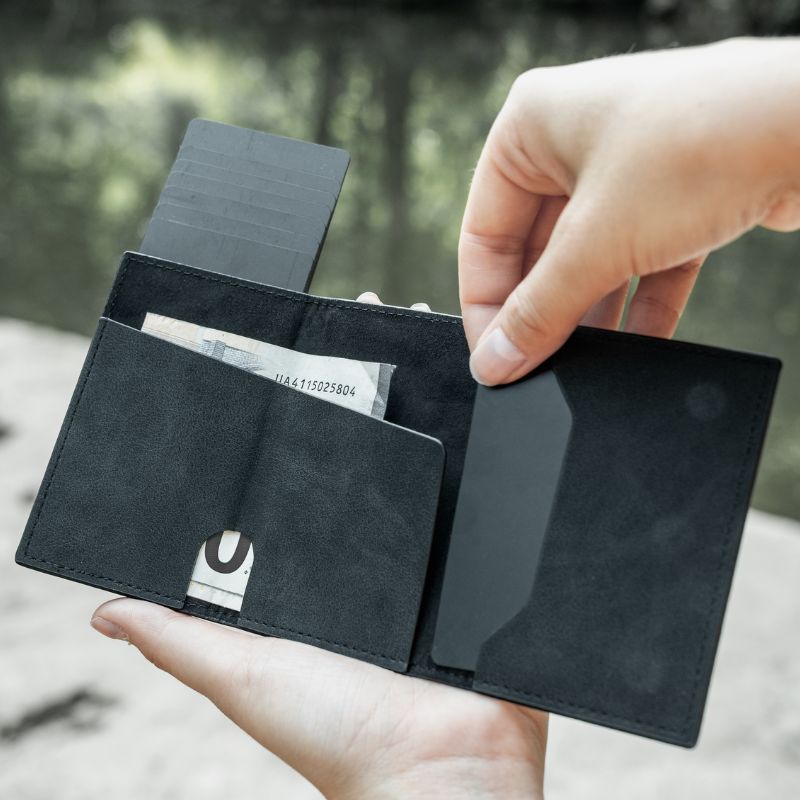
2. Further Cardsimple
Right inner compartment:
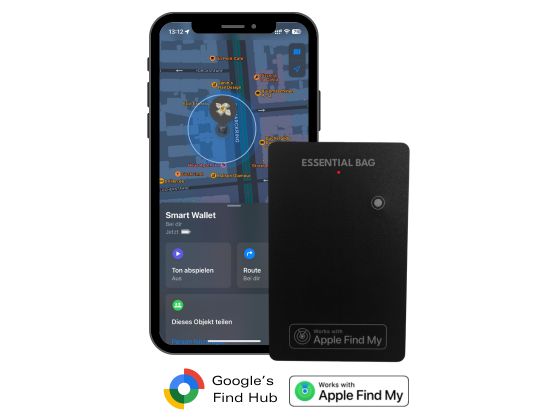
Provides space for 1-2 additional Cardn or a Tracker Card. If you don't need it, you can simply leave it empty.
Instructions/Setup
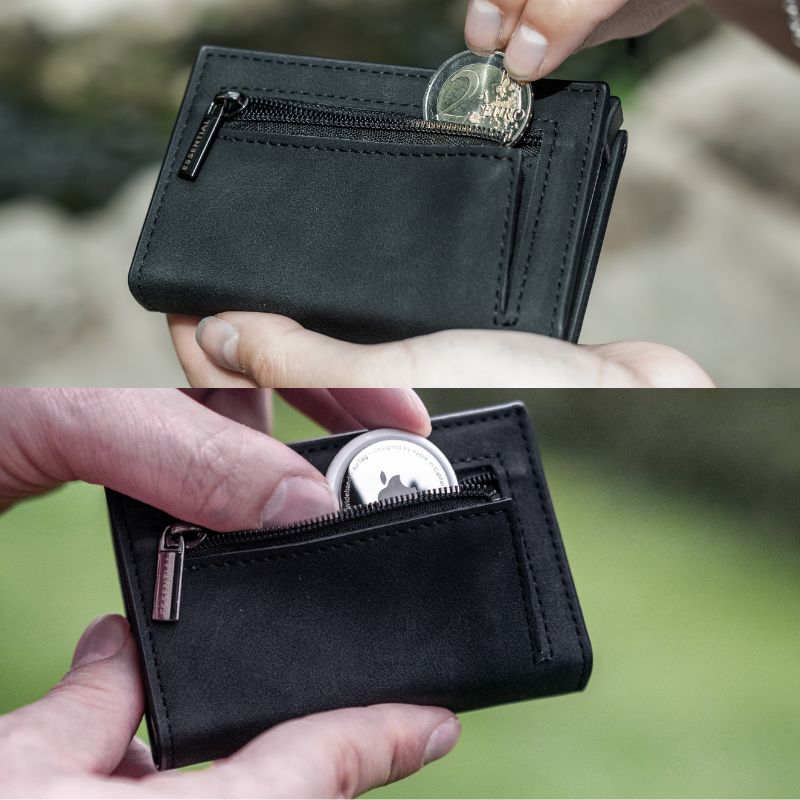
3. Coin compartment
Insert coins:
The compartment on the back holds up to 10 coins. For a streamlined look, we recommend carrying only the essentials. Use it primarily for change and empty your coin compartment regularly into your piggy bank.
AirTag Integration:
You can safely store an Apple AirTag in the coin compartment. Ideally, place it at the back for easy access to infrequently used items.
Shopping trolley chip:
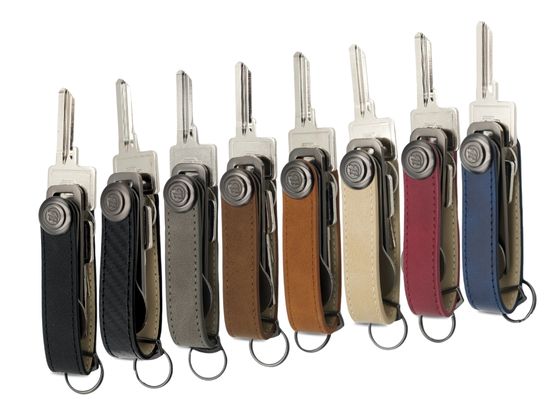
You can also store a shopping trolley token in the coin compartment. However, for a more elegant solution, we recommend our Key case, which is equipped with a practical multi-tool for shopping carts and much more.
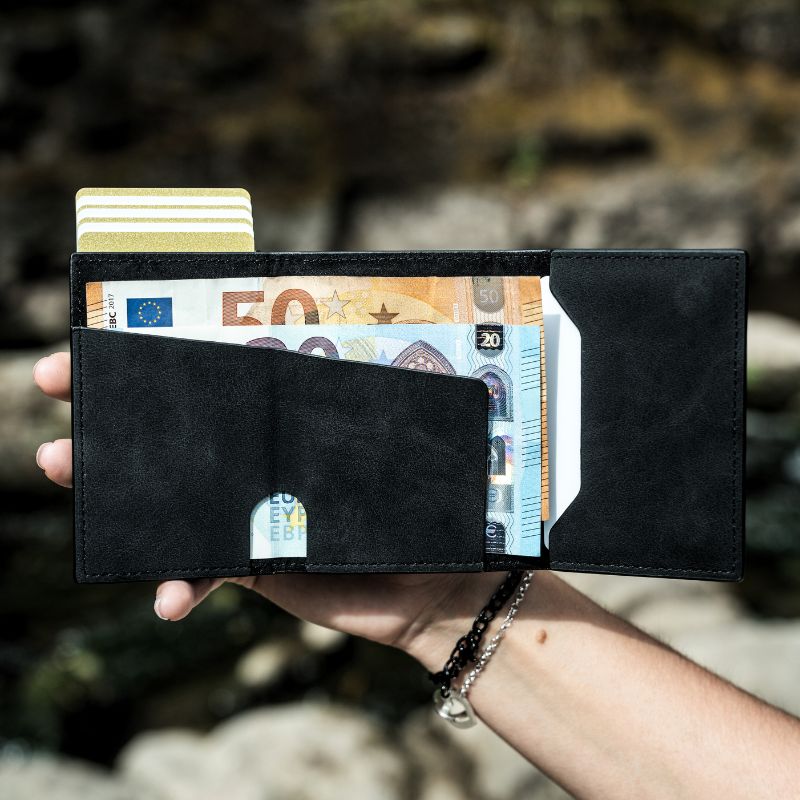
4. Cash compartment
Banknotes:
The left inner compartment comfortably holds up to 10 unfolded banknotes. To keep things organized, we recommend sorting the notes by denomination. A €50 note will stick out slightly, but don't worry, you don't have to fold it. For an even more elegant and organized look, you can optionally fold larger banknotes, such as €100 notes or higher, in half.
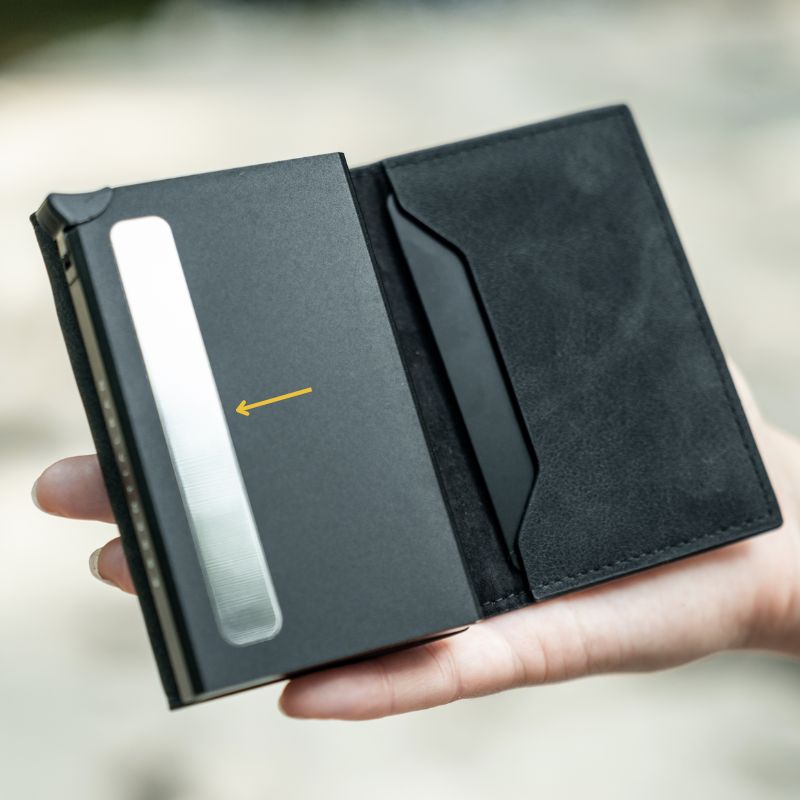
5. Remove protective film
Important step:
Carefully peel off the transparent protective film from the metal strip on the aluminum compartment on the left to ensure full functionality.
Please note that on some wallets, this protective film has already been removed during the production process to improve quality assurance and ensure the product is ready for immediate use. If the protective film is missing from your wallet, this is a normal part of our quality management and does not affect the functionality or security of the wallet.
Didn't get everything in?
6. Additional Cardnplatz
More space for Cardn:
To provide additional space for CardTo create n, 1 to 2 more can be added. CardPlace them vertically and one above the other in the left part of the cash compartment for optimal storage.
As an example
Setup video
Get the most out of it
5 tips and Tricks
1. Prioritize:
Organize your CardRank by frequency of use. Place the most frequently used CardPlaced at the front of the quick access compartment for easy access.
2. Safety tip:
Keep important CardStore items you need less frequently in the protected inner compartment to prevent unauthorized scanning.
3. Speed
Keep unimportant Cardn, which can be scanned without removing them, inside the wallet (not in the aluminum compartment). Use either the right one for this. CardSimply or the left-hand compartment for cash. An example of such a Card would be contactless accessCard or an RFID-based drivingCardThis ensures immediate use in everyday life.
3. Fewer coins:
To keep your wallet light and handy, only carry the most essential coins with you. Ideally, limit yourself to small amounts for parking meters, shopping carts, or change.
4. Minimal carrying:
Think carefully about what you need on a daily basis. A minimalist wallet not only contributes to greater carrying comfort, but also makes organization and quick access to the essentials easier.
5. Integrate trackers:
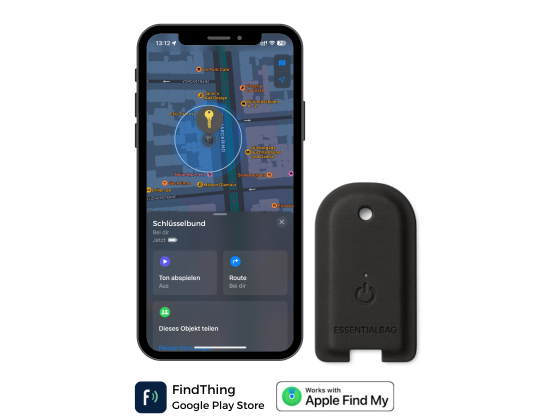
An integrated tracking chip, like ours Tracker Card helps you to quickly find your wallet should it ever get lost.
An answer for every question
Our FAQ
For quick answers, visit our FAQ page.

Need support?
CONTACT OUR FOUNDER
For direct questions about the product, our managing director will be happy to assist you. Don't hesitate to contact him directly:
Send us an email to: support@essentialbag.de
We are happy to help!